
Why your desk should have a CPU shelf
A cpu shelf keeps your computer and workspace tidy, cool, and accessible for upgrades and maintenance.
The idea of a dedicated cpu shelf is simple but powerful: it lifts the computer off the desk, organizes cables, and creates a cleaner, cooler workspace. If your desk hosts a tower or a bulky PC, a shelf designed for that purpose can transform how you work, game, or study. Below, you’ll find practical reasons to invest in a cpu shelf, how to choose one, and tips to get the most from it.
Comparison of desk CPU shelf options by material and ventilation
| Option | Material | Ventilation (airflow) | Weight support | Assembly complexity | Price range |
|---|---|---|---|---|---|
| Floating shelf | Wood / veneer | Moderate | High | Easy | $$ |
| Aluminum rack | Aluminum | High | Very high | Moderate | $$$ |
| Plastic mount | Plastic | Low to moderate | Moderate | Easy | $ |
| Custom cut wood block | Wood | Variable | Moderate | Moderate | $$ |
Compiled November 2026; check the provider's site for current details.
Why a CPU shelf makes sense on a desk
A cpu shelf is more than a convenience, it’s a system upgrade for your desk setup. It:
- Frees up desk surface for needed activities like writing, drawing, or dual monitors.
- Improves ergonomics by creating better space planning for a keyboard, mouse, and peripherals.
- Keeps the CPU within easy reach for maintenance without dragging it onto the desk.
- Helps protect the computer from accidental spills by keeping it on a stable, dedicated platform.
In addition, a shelf can contribute to a more modular workspace. If you like to reorganize, swap components, or switch between a compact PC and a streaming setup, a shelf makes transitions smoother.

How elevation boosts cooling and longevity
Heat is the enemy of electronics. Elevating the CPU off the desk surface:
- Encourages better air circulation around the chassis. Many towers have bottom air intakes and rear exhausts that benefit from unobstructed airflow.
- Reduces heat buildup from the desk’s materials and any nearby electronics that radiate heat.
- Helps prevent dust from settling into vents if the shelf includes clearance for airflow.
- Makes it easier to mount or position fans, filters, or dust guards if you’re customizing cooling.
If you live in a warm environment or run demanding software (gaming, video rendering, heavy multitasking), the shelf can translate into lower temperatures, more stable performance, and potentially longer component life. Avoiding potentially damaging mistakes with your wood furniture
Choosing the right CPU shelf
Before you buy, consider these factors:
- Height clearance: Measure your PC’s height and the shelf’s clearance. Ensure there’s enough room for cables and power adapters without pinching or bending them.
- Weight rating: Towers can be heavy, especially with add-ons like a large GPU, HDDs, or liquid cooling radiators. Pick a shelf that supports more than your current setup to allow future upgrades.
- Material and build quality: Metal shelves tend to be sturdier and provide better airflow than some plastics. Look for powder-coated finishes that resist scratches and moisture.
- Cable management: A good shelf offers cable routing holes, clips, or channels to keep cords organized and out of the way.
- Accessibility: Consider whether you want the shelf flush against the wall or with a small gap for easy cable access and warranty checks.
- Aesthetics and integration: If you care about the look of your desk, choose a shelf that matches or complements your desk, monitors, and peripherals.
- Compatibility: Some shelves are universal, while others are designed for specific computer sizes or shapes. Read product specs and user reviews to confirm compatibility with your case.
- Ventilation options: Your shelf may offer slits, perforations, or open sides. Perforations help airflow but may expose cables or components. Weigh pros and cons for your setup.
If you’re DIY-inclined, you can also build a custom shelf from materials like wood, metal, or even 3D-printed components. Just ensure airflow isn’t obstructed and that the shelf won’t vibrate or shift during use.
How to install and set up a CPU shelf
Proper setup matters as much as the shelf itself. Steps to get it right:
- Plan the layout: Decide where the shelf will sit relative to your monitor, keyboard, and room outlets. Sketch a quick layout to visualize cable paths.
- Prepare the workspace: Clear the desk, unplug equipment, and ensure the floor or desk surface is clean. If you’re mounting near a wall, check for studs, power outlets, and ventilation.
- Place and align: Position the shelf so the CPU sits level and stable. Check for wobble and adjust feet or base pads if needed.
- Secure and route cables: Use cable ties or velcro straps to bundle power, data, and peripheral cables neatly. Leave some slack where you might lift or move the PC for maintenance.
- Test airflow: Before closing up, power on and observe airflow. If you notice heat hotspots, adjust the shelf’s position or add a fan or extra vent.
- Maintain clearance: Periodically check for dust buildup in vents, fans, and filters. A quick clean can keep performance consistent.
If your shelf is adjustable, set it to the optimal height for cable management and air intake. For shelves with doors or enclosures, ensure there’s enough clearance for hot air to escape and no restricted vents. Furnish an uncovered patio with the right patio set
Benefits vs. drawbacks when using a CPU shelf on a desk
| Benefit / Drawback | Heat dissipation | Elevation comfort | Desk footprint | Stability risk | Cable management | Aesthetics |
|---|---|---|---|---|---|---|
| Heat dissipation | Improves airflow beneath case | Improves intake airflow | Slightly increases footprint | Low if secure | Easier | Neutral |
| Elevation comfort | Reduces reach to ports | Improves ergonomics | May raise monitor height | Potential wobble if loose | Better routing | Positive |
| Desk footprint | Uses desk top space | Free desk surface below | Occupies space | Risk of tipping if poor | Longer cables needed | Depends on style |
| Stability risk | Low with proper mount | High if loose | Could affect balance | Moderate to high | Neutral | Aesthetic impact |
| Cable management | Better under-shelf routing | Creates tidy lines | May constrain underside | Moderate | Good | Visual |
Compiled November 2026; check the provider's site for current details.
A comparison at a glance: with vs without a CPU shelf
| Feature | With cpu shelf | Without cpu shelf |
|---|---|---|
| Desk space | More free surface for keyboard, notebook, etc. | Cluttered desk due to tower prominence |
| Airflow around PC | Improved if shelf design is ventilated | Often restricted by proximity to desk or monitor stands |
| Maintenance ease | Easy access for upgrades and cleaning | Requires desk-side movement or removal |
| Cable management | Structured routing options | Cables may be tangled or draped |
| Safety and stability | Stable base with anti-slip feet | Tower can be wobbly or knocked accidentally |
| Aesthetics | Cleaner, streamlined look | May seem cluttered or busy |
This table highlights the practical differences you’ll notice after installing a cpu shelf. It’s not just about looks, improved airflow and maintenance access can affect performance and long-term reliability.
Practical tips for maximizing benefits
- Pair with a small cooling boost: If your PC runs hot, consider a shelf with open sides or perforations and add a small desk fan aimed at the intake area.
- Use dust filters: If your shelf supports it, add magnetic or slide-in dust filters to prevent debris from entering the case.
- Leave space for expansion: If you plan to upgrade components, ensure the shelf has extra headroom for larger GPUs or air coolers.
- Protect against spills: Place the shelf away from the edge of the desk, and use a spill mat or monitor arm with cable management to keep liquids from reaching the PC.
- Plan for mobility: If you frequently move your setup between rooms or offices, choose a shelf with a light footprint and non-slip feet, or a modular option you can disassemble easily.
- Consider aesthetics: A shelf with a finish that matches your desk or a neutral color can blend in seamlessly, helping your workspace feel calmer and organized.
Installation scenarios and required tools Why invest in a sleeper sofa for your home
| Scenario | Tools needed | Time estimate | Wall/desk mounting | Safety checks | Compatibility notes |
|---|---|---|---|---|---|
| Simple freestanding shelf | Screwdriver, level | 15–30 min | Desk surface only | Level, no wobble | Works with most desks |
| Wall-mounted bracket | Drill, screws, anchors | 30–60 min | Wall required | Studs, weight rating | Not for all desk setups |
| Magnetic mount option | Magnets, spacers | 5–15 min | Desk top only | Secure grip | Limited weight capacity |
Compiled November 2026; check the provider's site for current details.
Maintenance and safety considerations
- Regular cleaning: Dust the vents and shelves regularly to prevent heat buildup. A can of compressed air is handy for tricky gaps.
- Weight distribution: Place the CPU towards the shelf’s center to avoid tipping if you lean on the desk while gaming or typing.
- Temperature monitoring: If you’re unsure about temperatures, software tools can monitor CPU and GPU temps. If temps rise regularly, revisit your cooling setup.
- Electrical safety: Use a surge protector with enough outlets for all devices. Avoid overloading a single strip, and keep power cables organized to prevent tripping.
Final recommendation
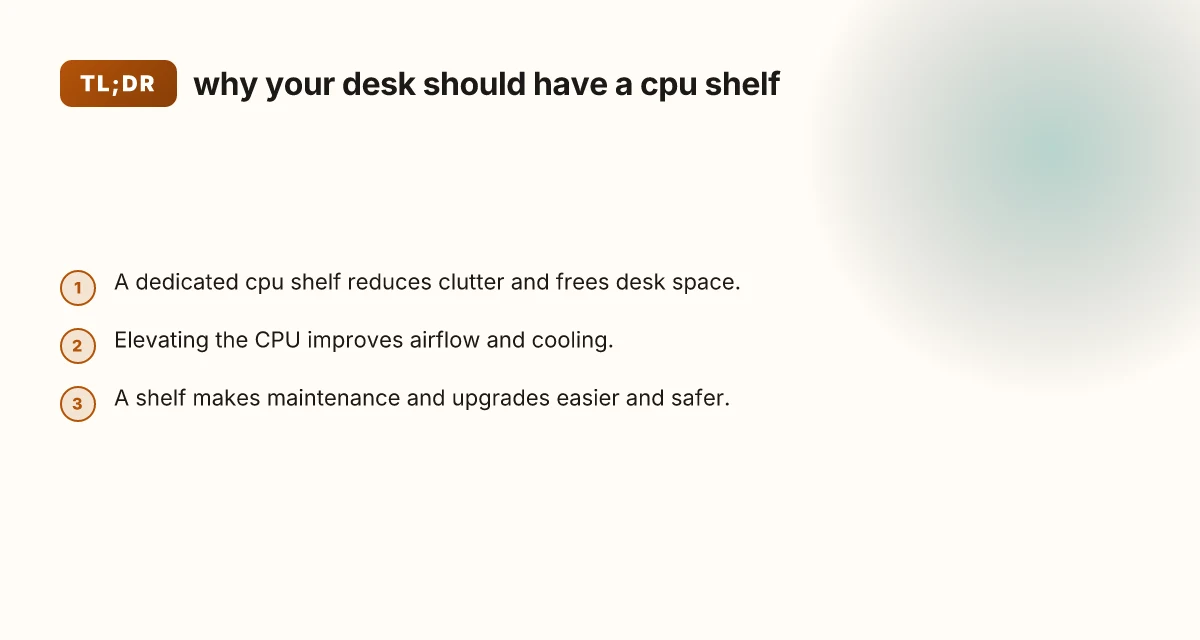
If you’re aiming for a cleaner, more efficient, and easier-to-maintain workspace, a cpu shelf is worth considering. It frees desk space, supports better cooling, and simplifies upgrades or maintenance. Choose a shelf with solid construction, ample clearance, and thoughtful cable management features. Pair it with mindful cable routing and a simple dust-control plan, and you’ll notice the difference in daily use and long-term PC health. If your setup already suffers from clutter or warmth, start with a basic shelf that matches your desk and upgrade later as needed. For most users, a cpu shelf is a small investment that pays off in tidier desks, cooler components, and easier upkeep.